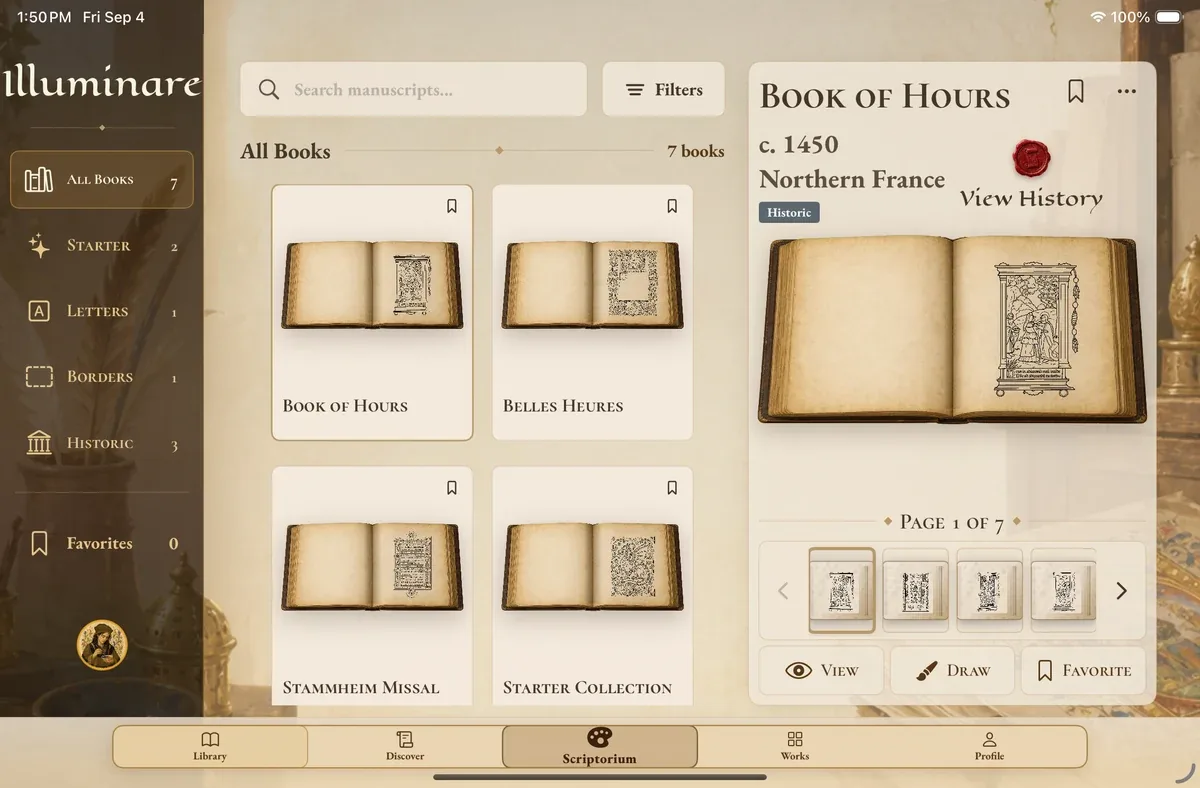
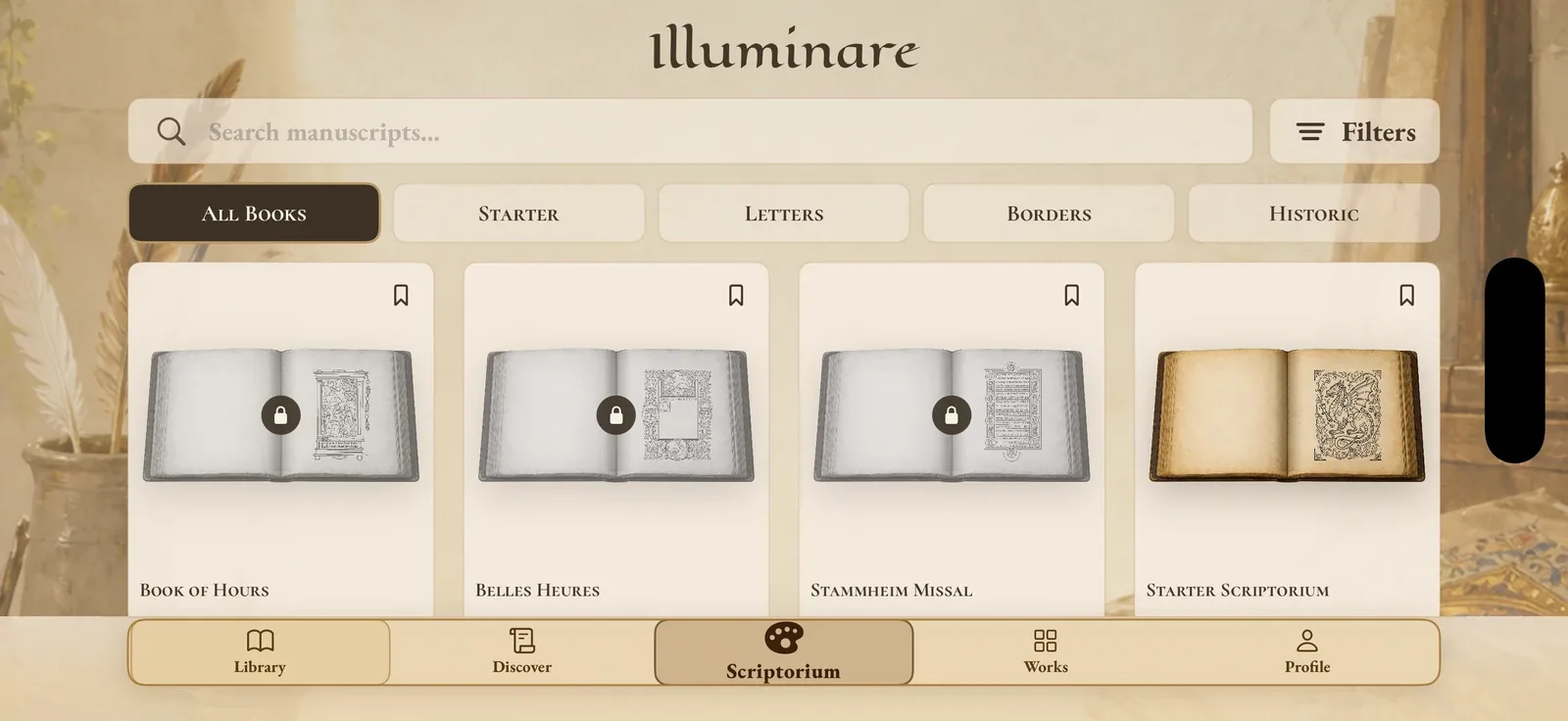
Choose a page
Find your next folio.
Explore historic manuscripts, illuminated letters, and playful creatures waiting for your color.
 Illuminare
Medieval Coloring Book
Illuminate historic and manuscript-inspired pages with vivid color, delicate gold, and your own creative touch.
Available now on the App Store for iPhone and iPad.
Inside the app
Choose a page, make it your own, and return whenever inspiration strikes.
Choose a page
Explore historic manuscripts, illuminated letters, and playful creatures waiting for your color.
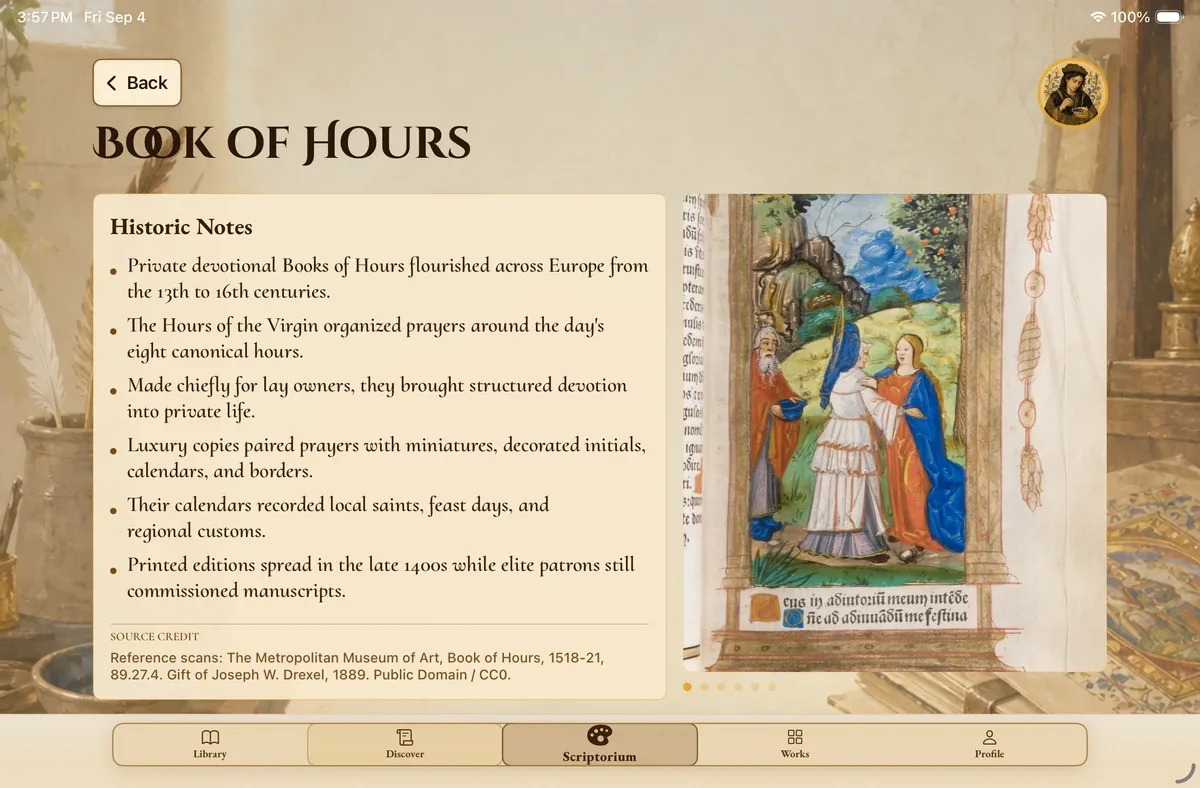
History & Inspiration
Explore historic notes and original manuscript art, with sources to guide your curiosity.
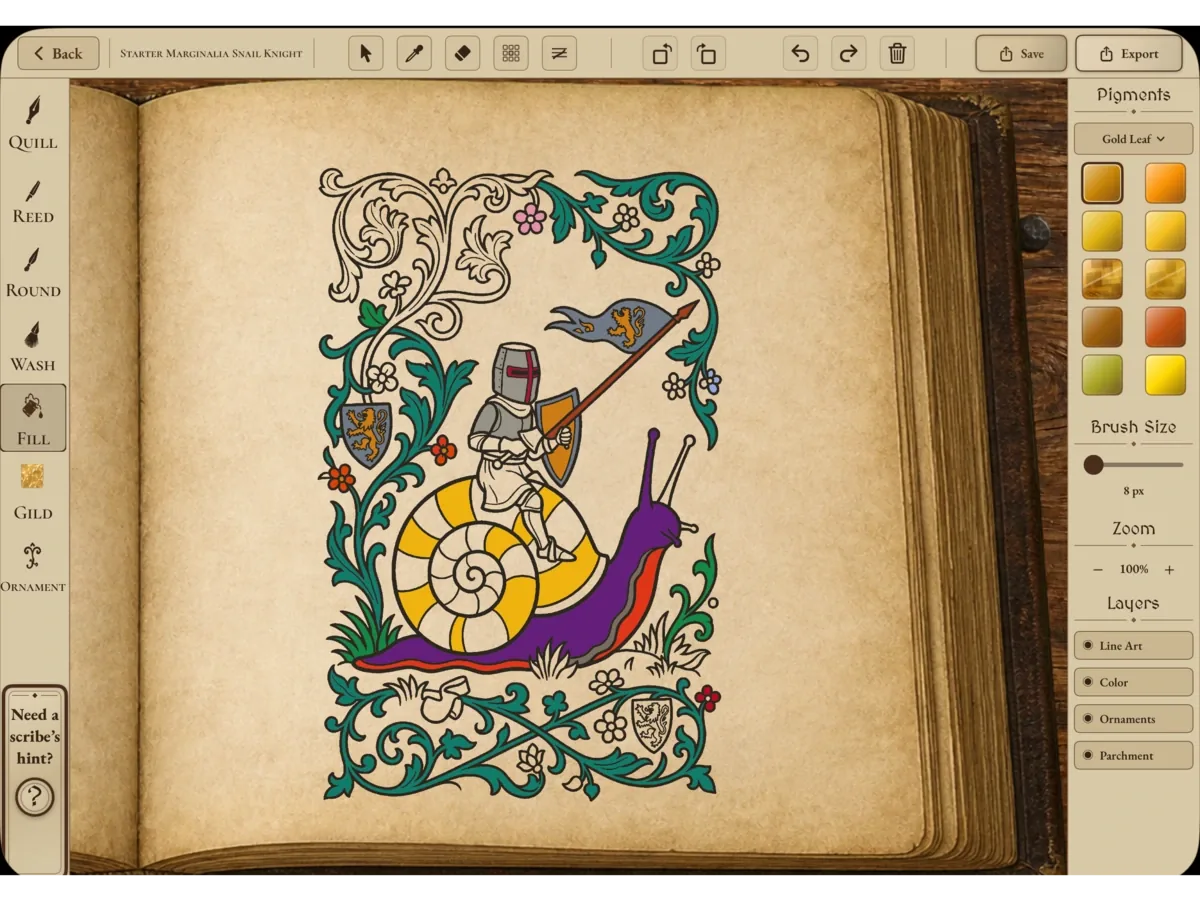
The Scriptorium
Paint, gild, and add ornaments with the page at the heart of your workspace.
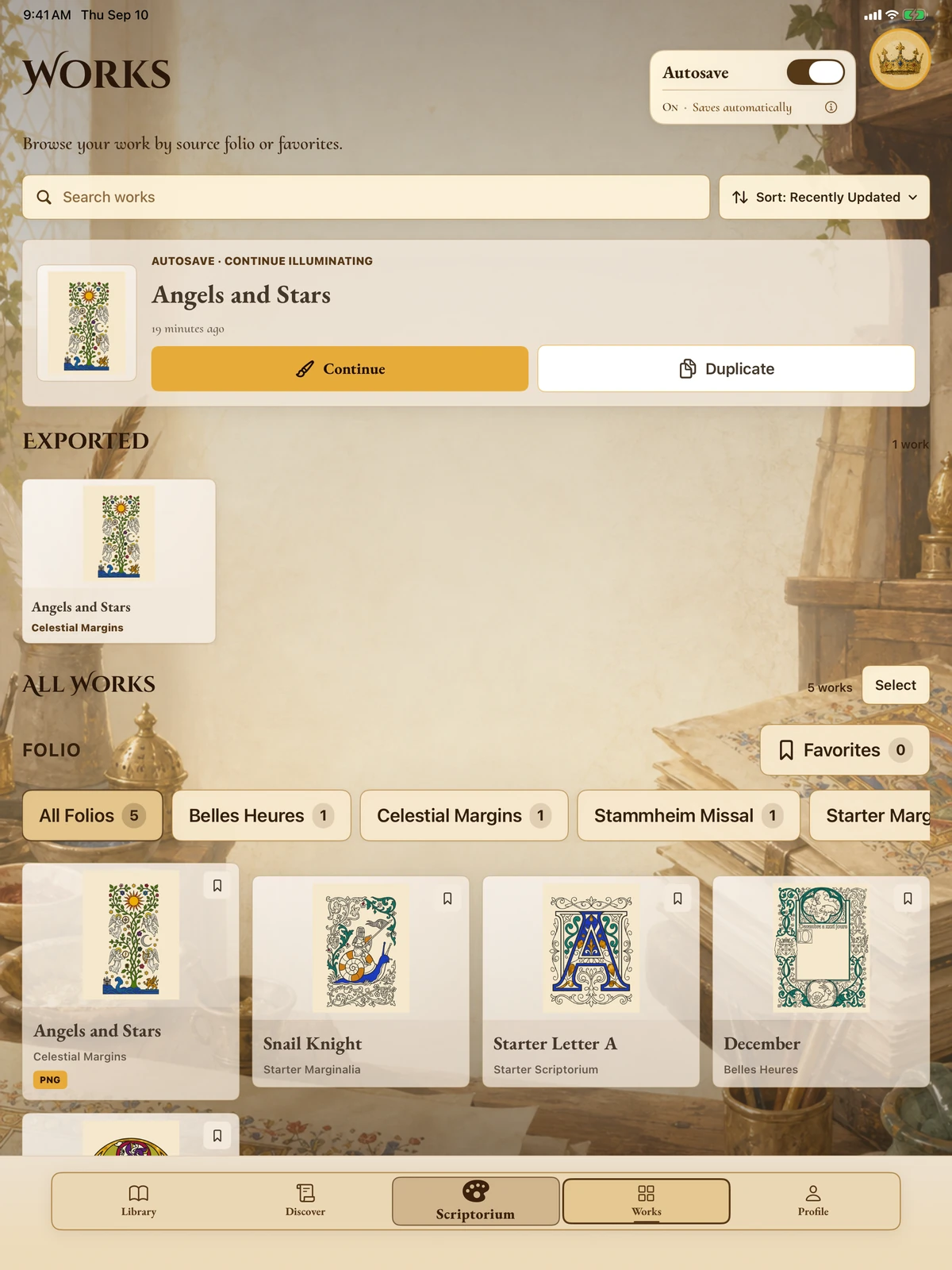
Make it yours
Save your progress and pick up where you left off whenever inspiration returns.
Social sharing
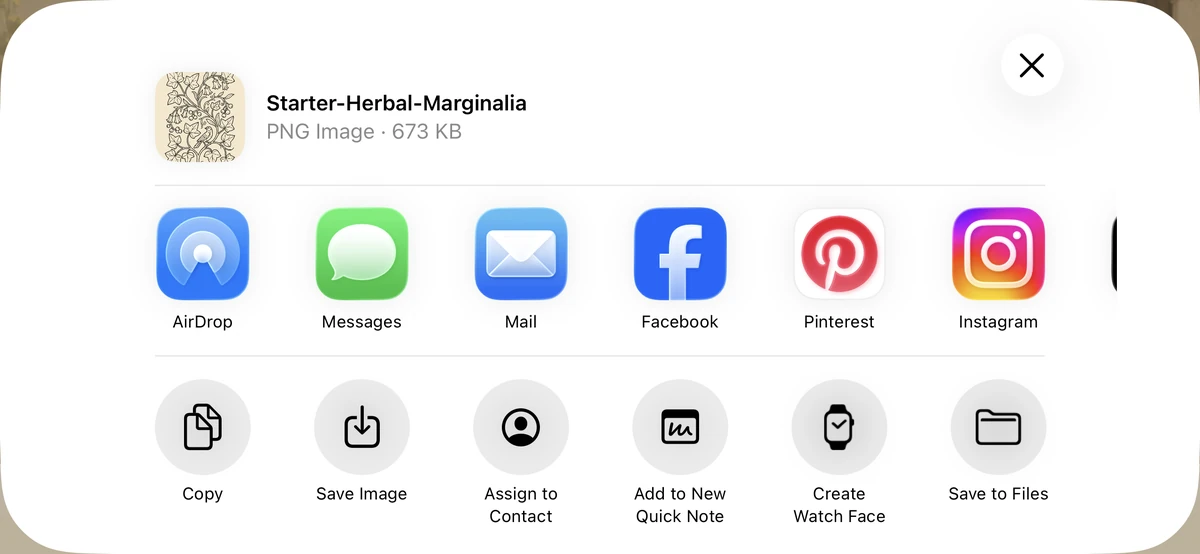
Send your folios to friends, share them on social media, or save them to Photos to post later.

iPhone and iPad
Browse on iPhone or settle into a full creative workspace on iPad. With Premium Cloud Sync, pick up your saved work on either device.
Submissions
Finished your folio? Send it our way! Selected artwork may be featured in the Illuminare app’s Discover tab, credited to your username or shared anonymously.
Devices
Create with touch or Apple Pencil, use two fingers to move and zoom, and work in portrait or landscape.
Compatibility